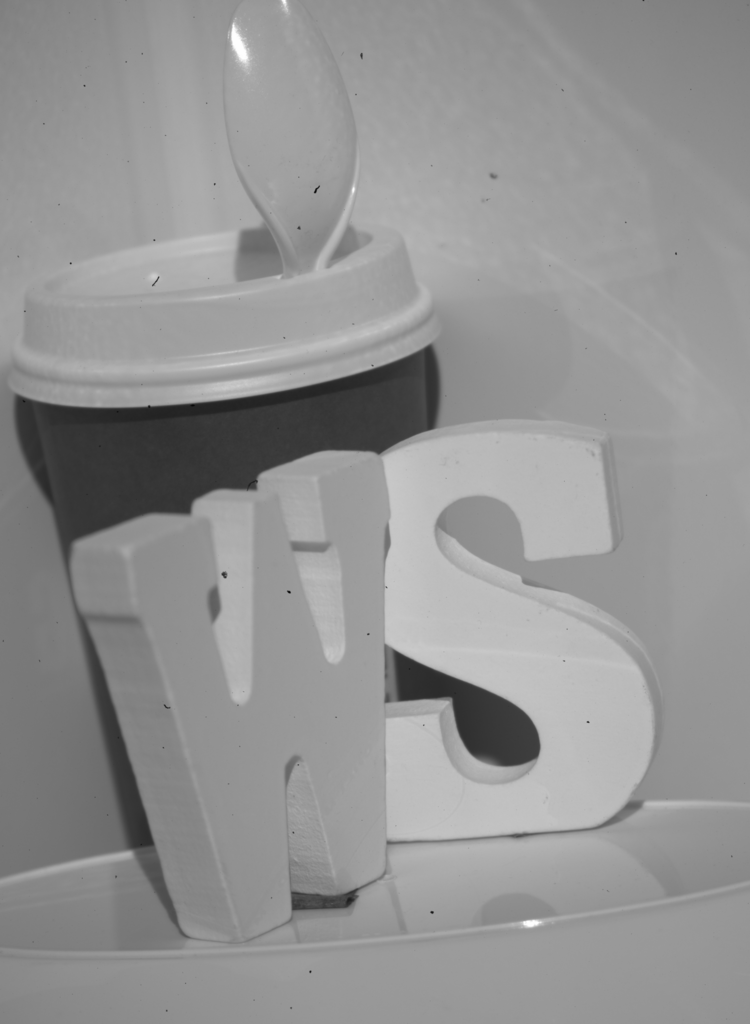
Hover, drag, or tap the images to move the magnified crops over a specific part of the scene. Number keys 1–9 switch every comparison on the page between variants, and + and − resize the crops; neither needs keyboard focus.