Comparison
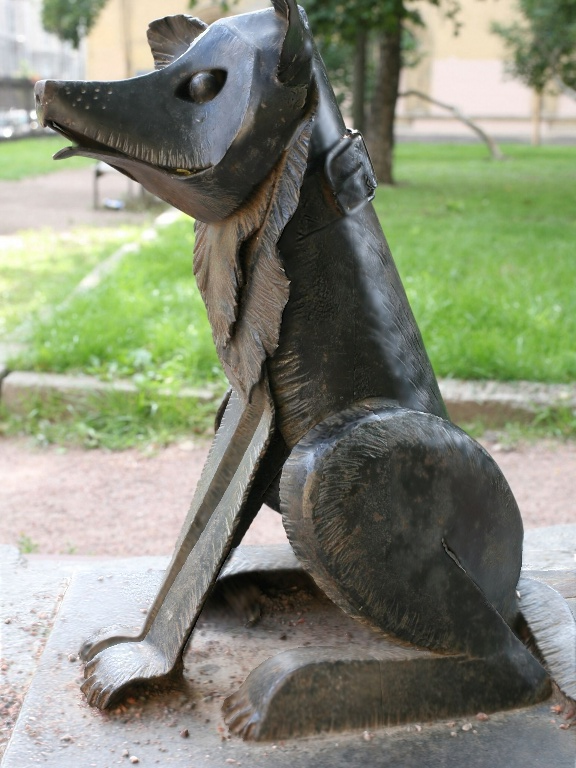
Drag inside the comparison view to move the split between methods. Below it, the buttons—or the number keys—choose which method is shown, and moving the pointer across that image moves the zoomed crops under it; press + or − to resize them.

Reconstructed meshes
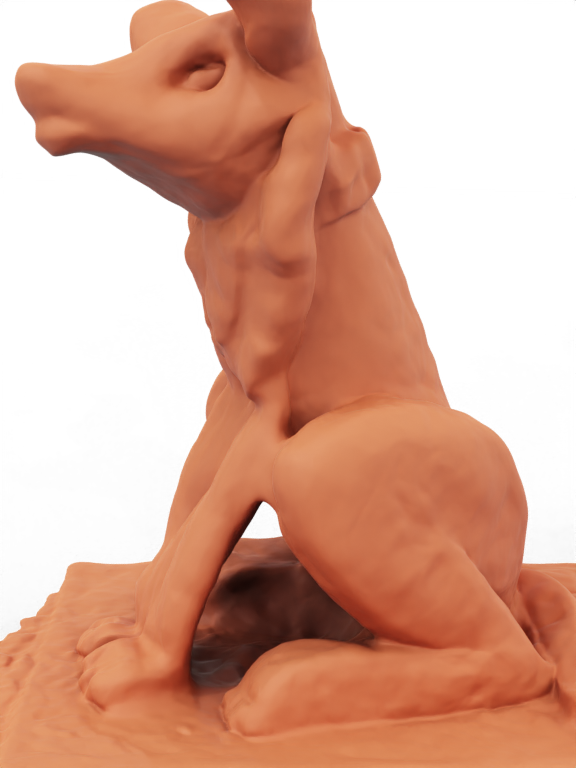
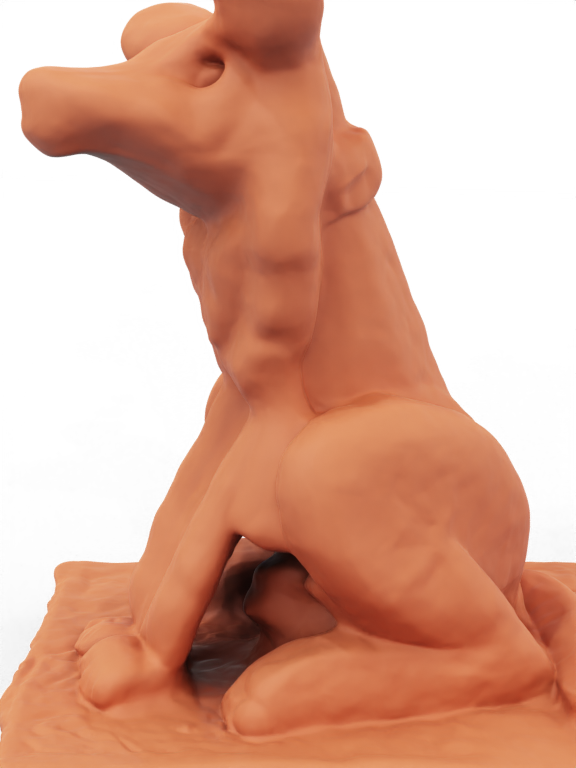
The buttons choose which method is shown. Drag inside the view to rotate the mesh, and scroll or pinch to zoom.