About
Each scene below opens a page comparing our reconstruction against the baselines. Drag inside the comparison view to move the split between methods. Below it, the buttons—or the number keys—choose which method is shown, and moving the pointer across that image moves the zoomed crops under it, which stay in step across every method; press + or − to resize them. The BlendedMVS and NeRF Realistic Synthetic scenes also show the reconstructed meshes, which can be rotated and zoomed.
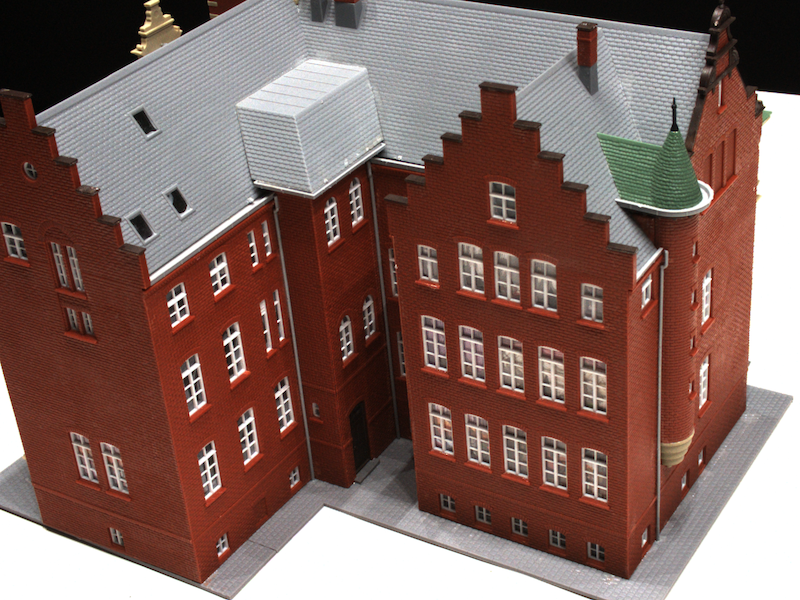
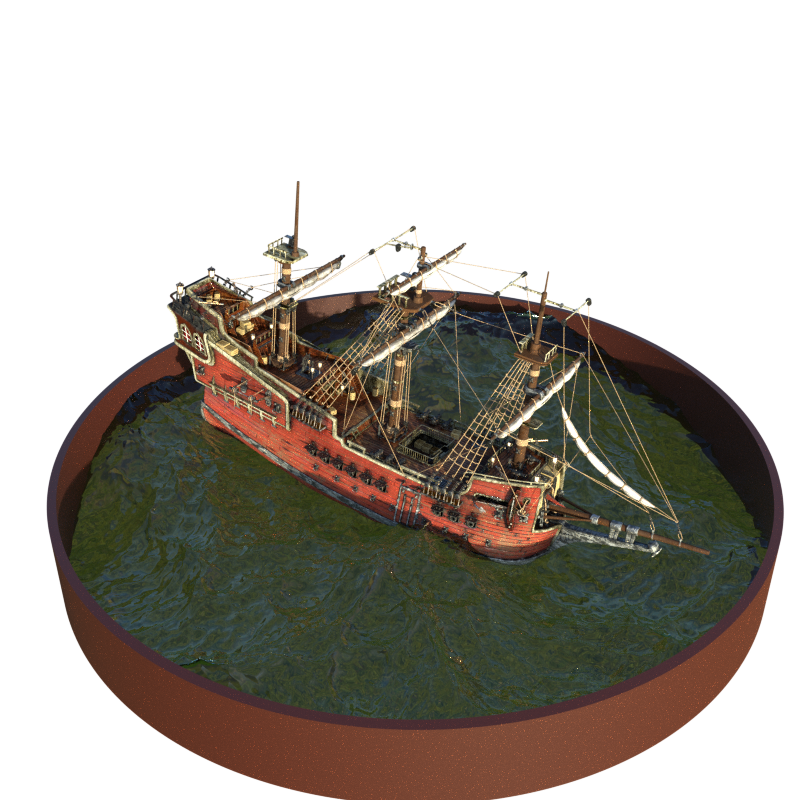
BlendedMVS
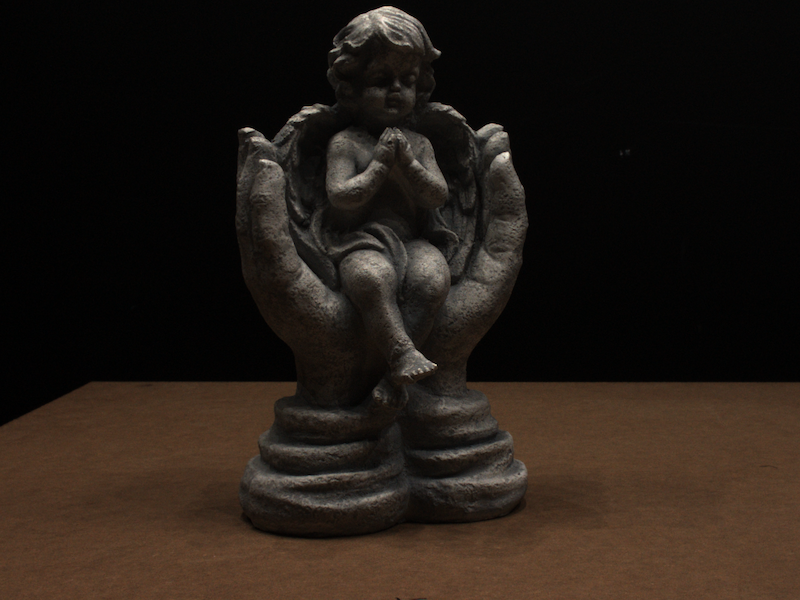
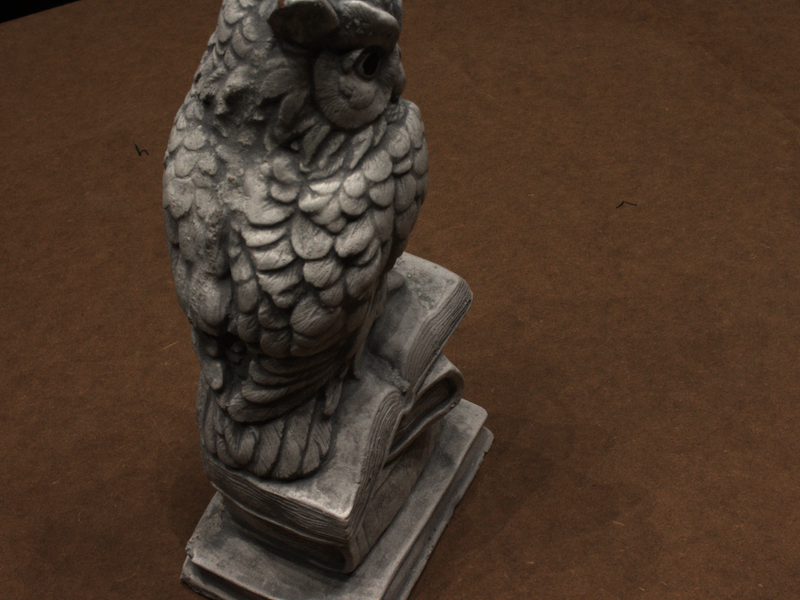
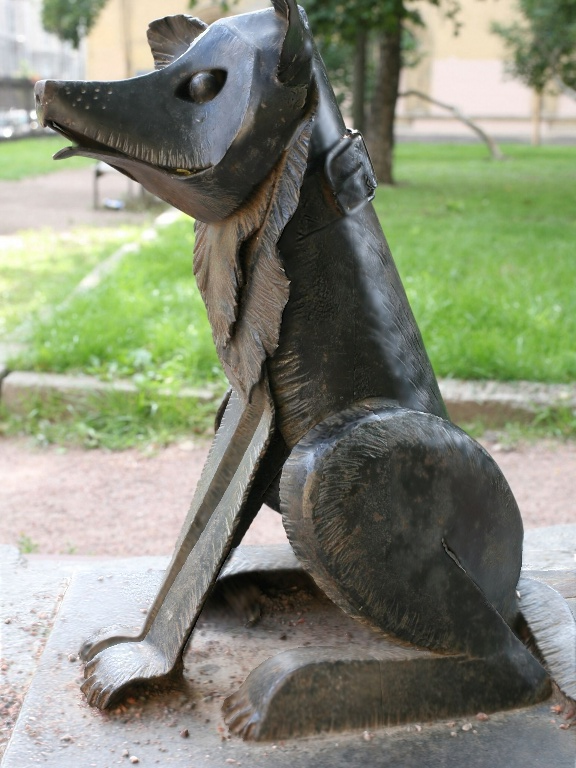
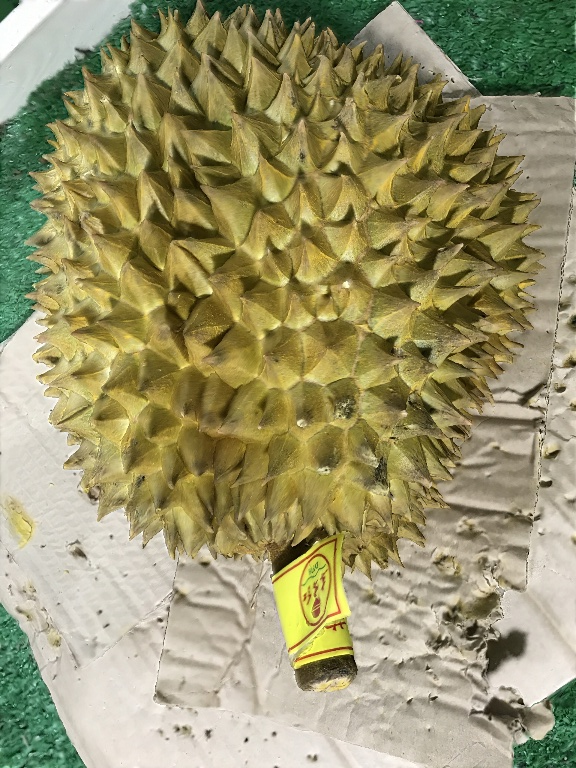
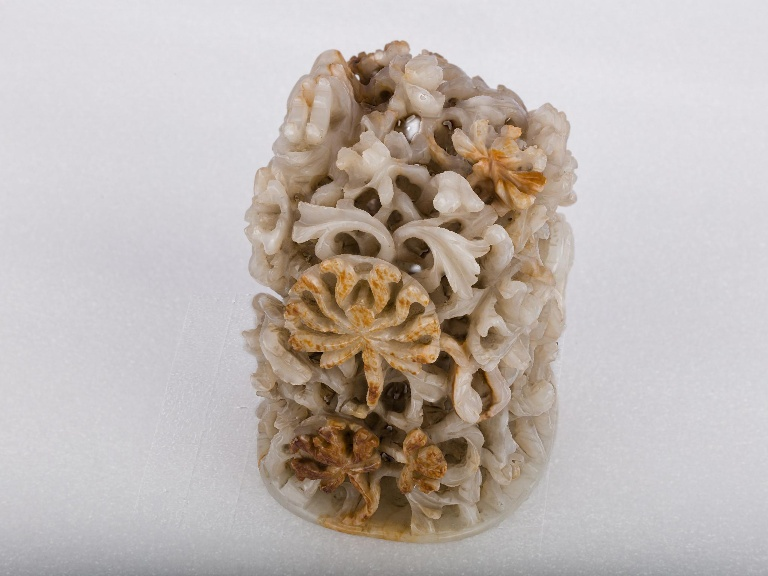
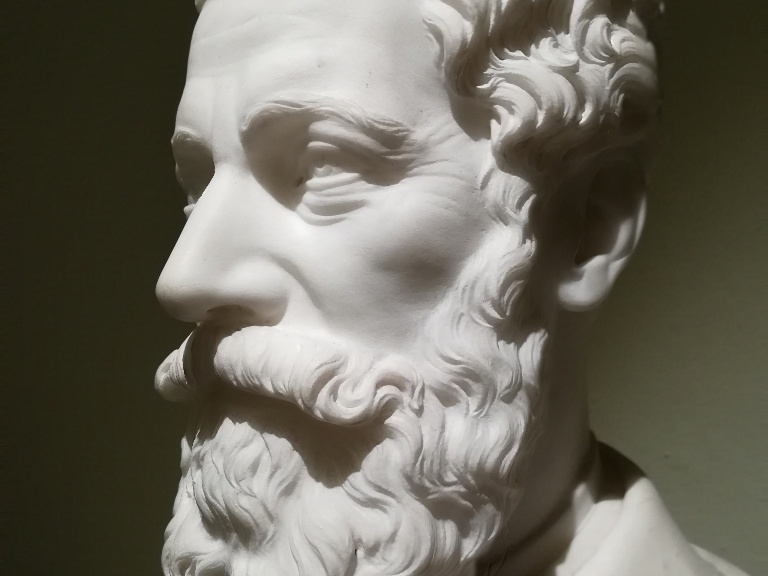
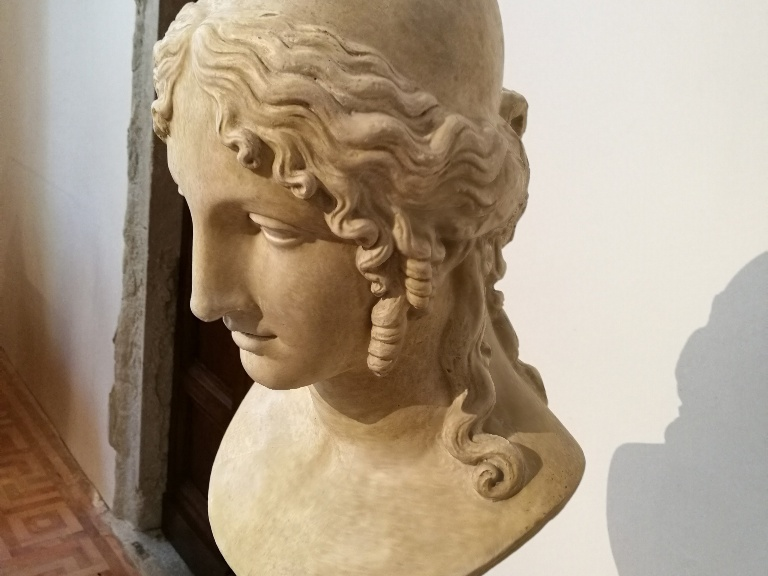
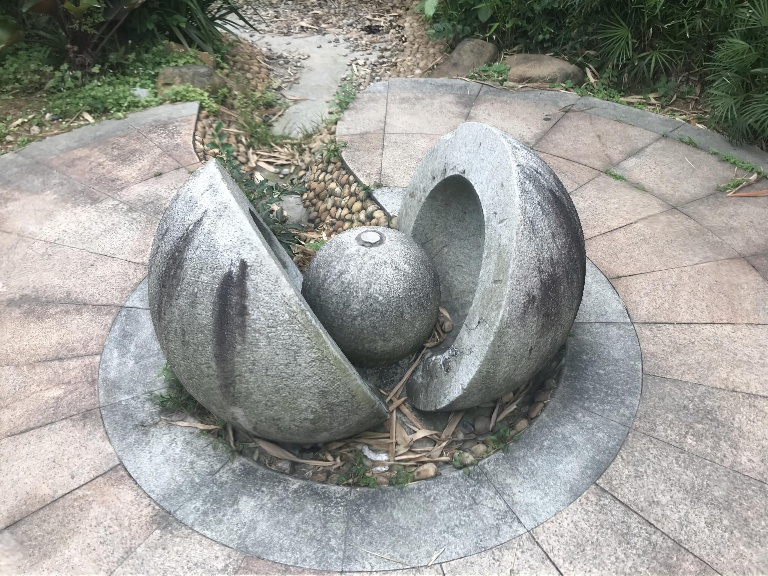
Reference views and reconstructions for the eight BlendedMVS scenes.
NeRF Realistic Synthetic
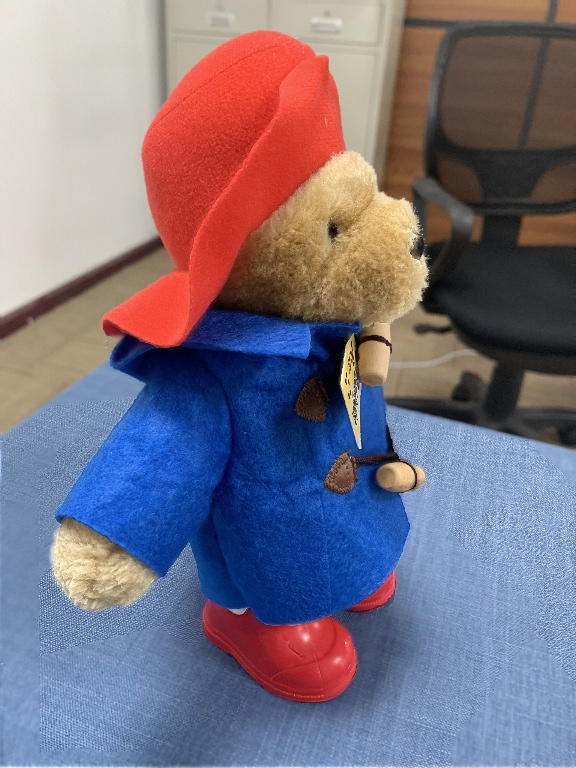
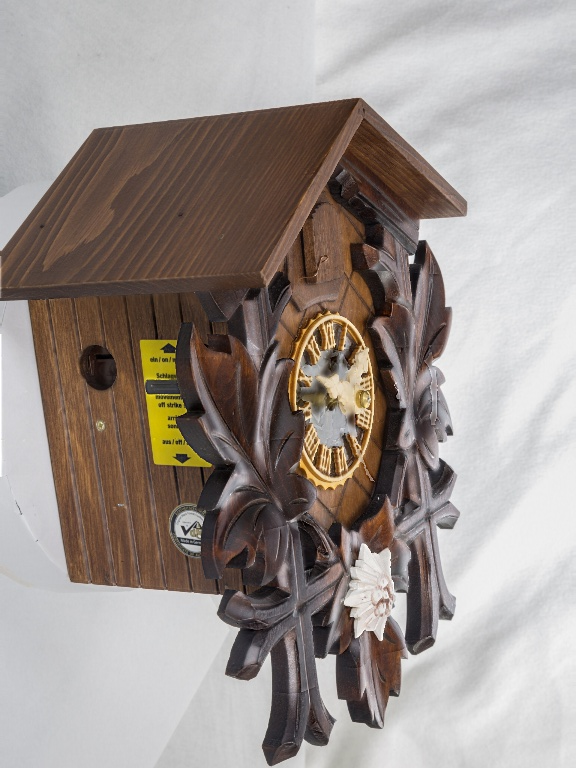
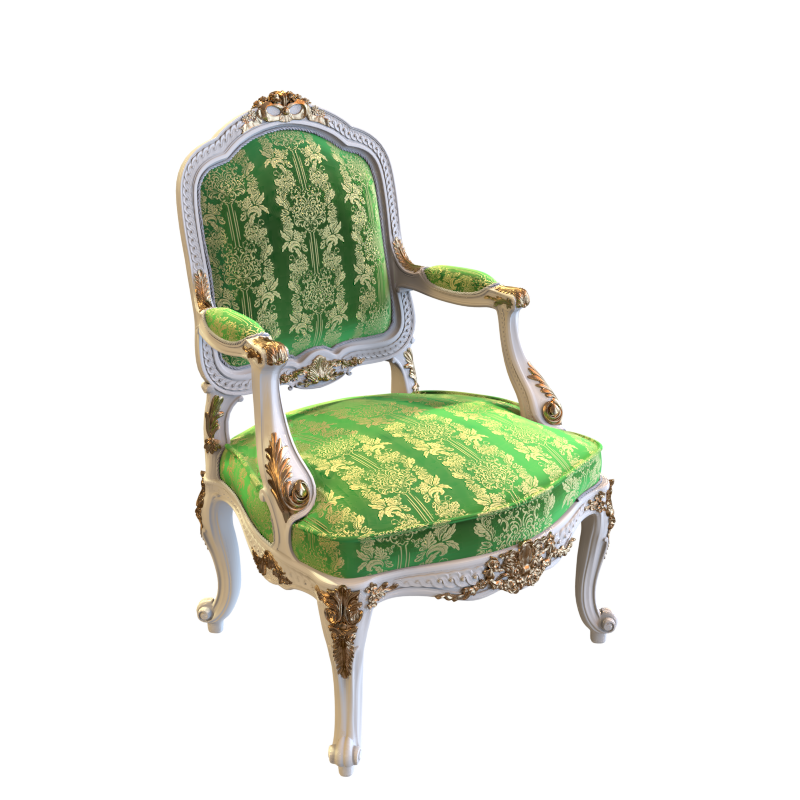
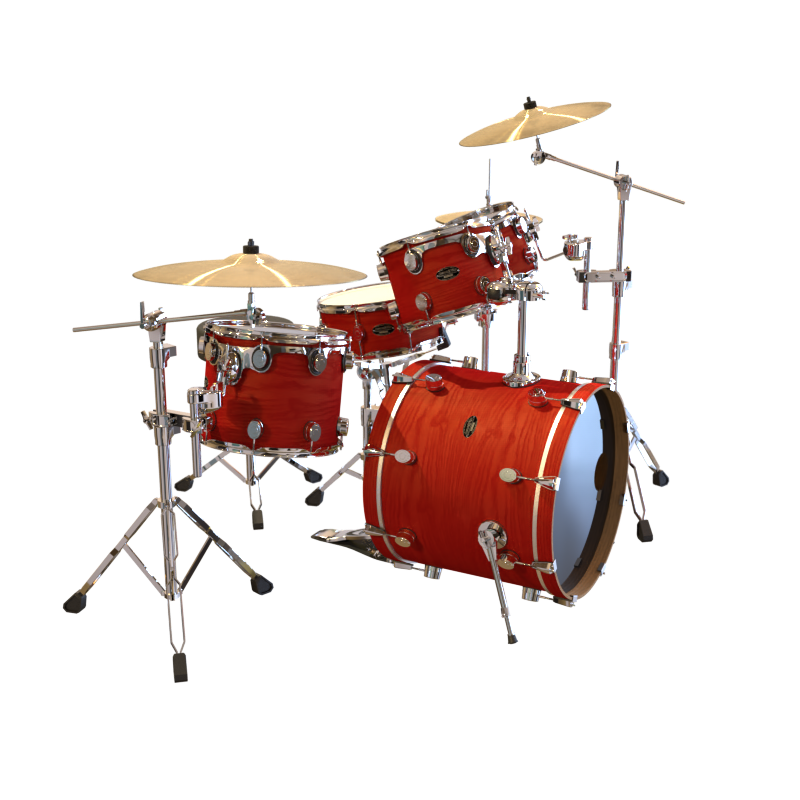
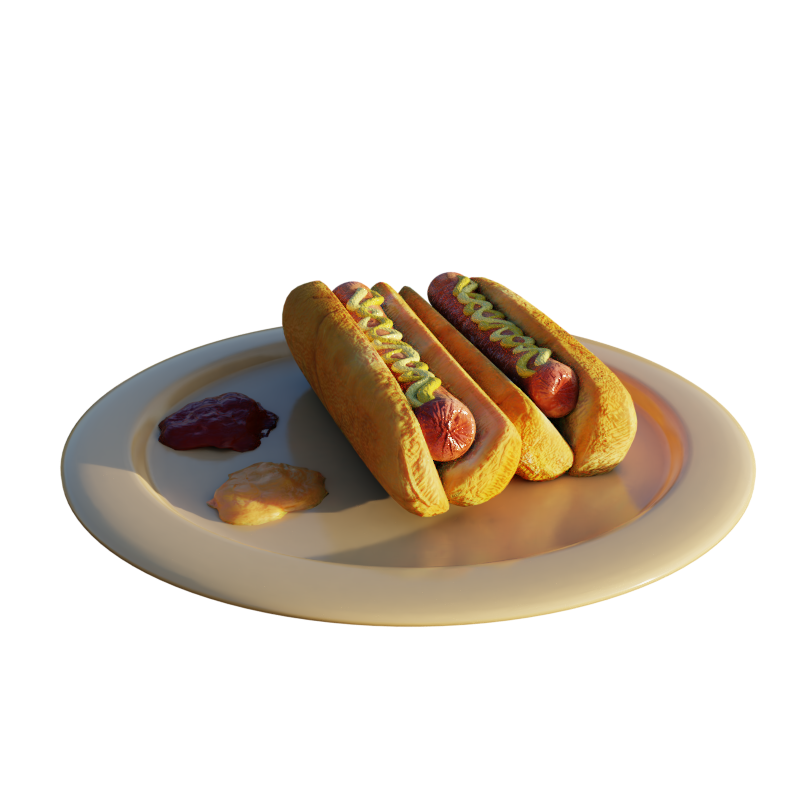
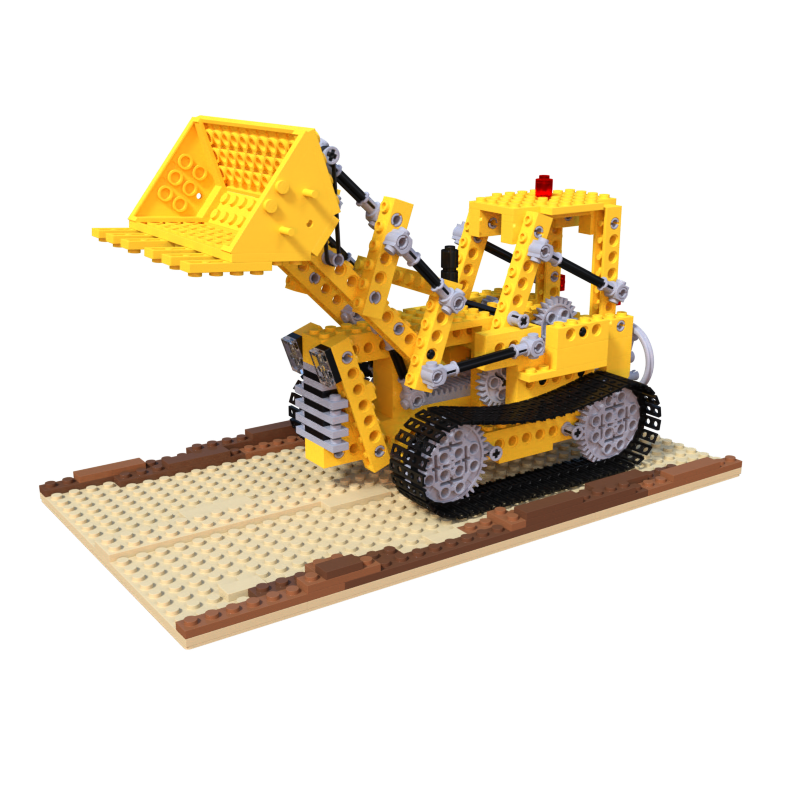
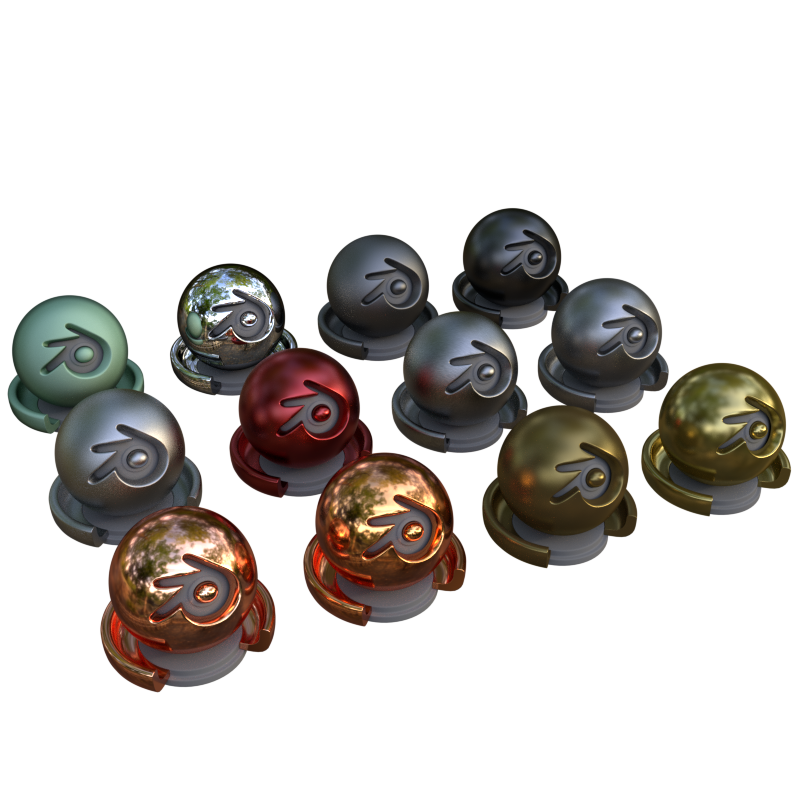
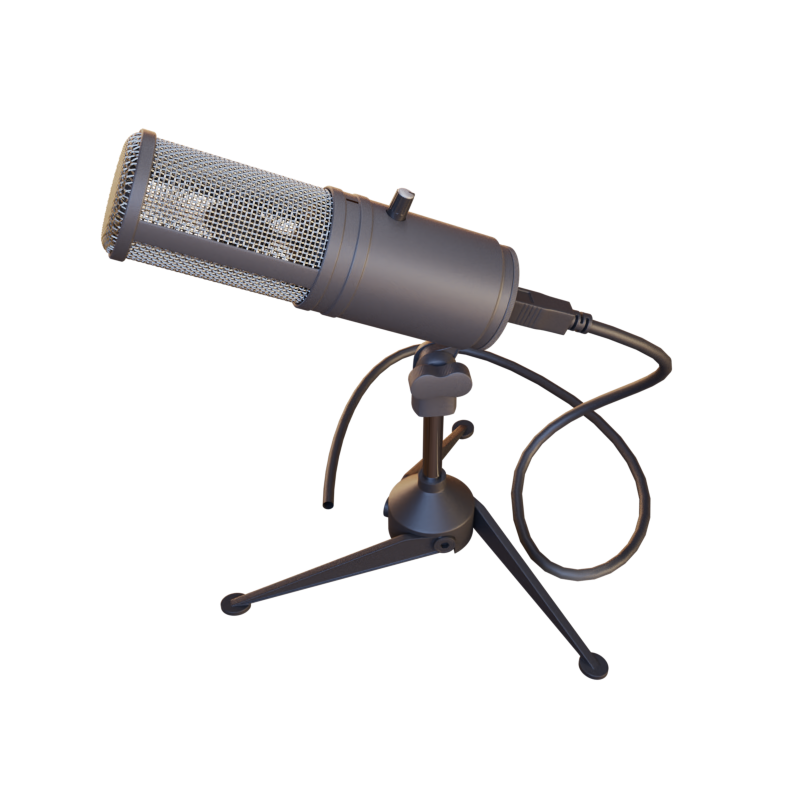
Reference views and reconstructions for the eight NeRF Realistic Synthetic scenes.

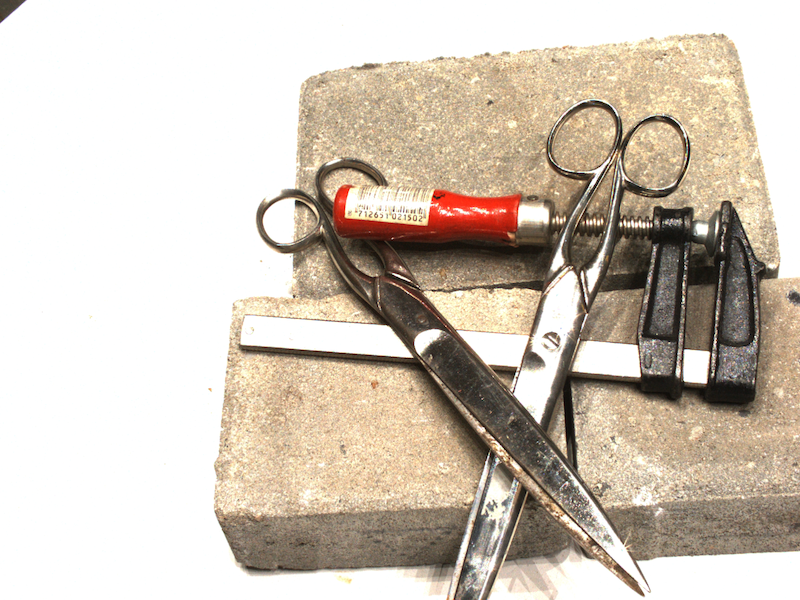
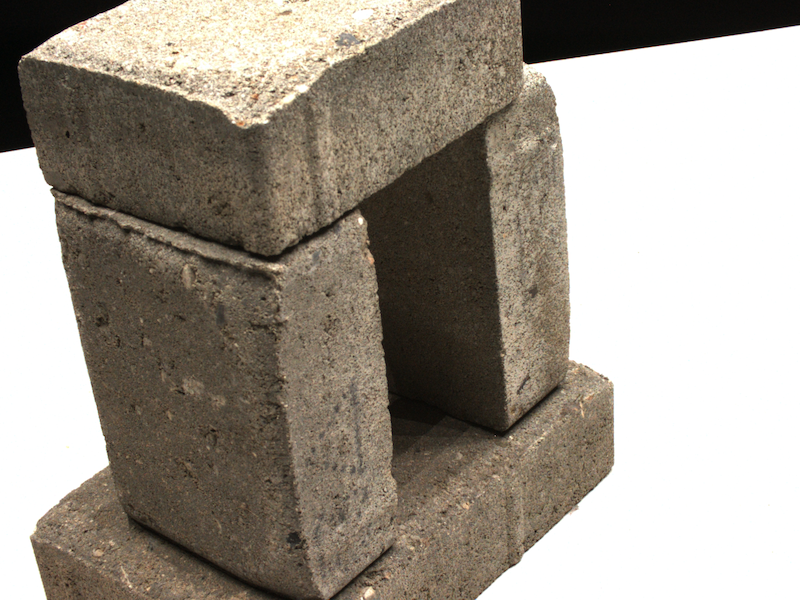
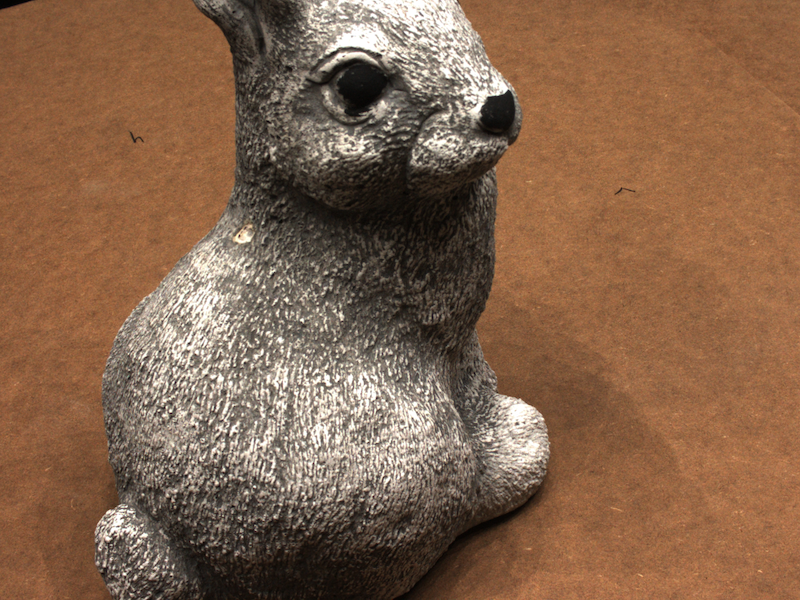
DTU
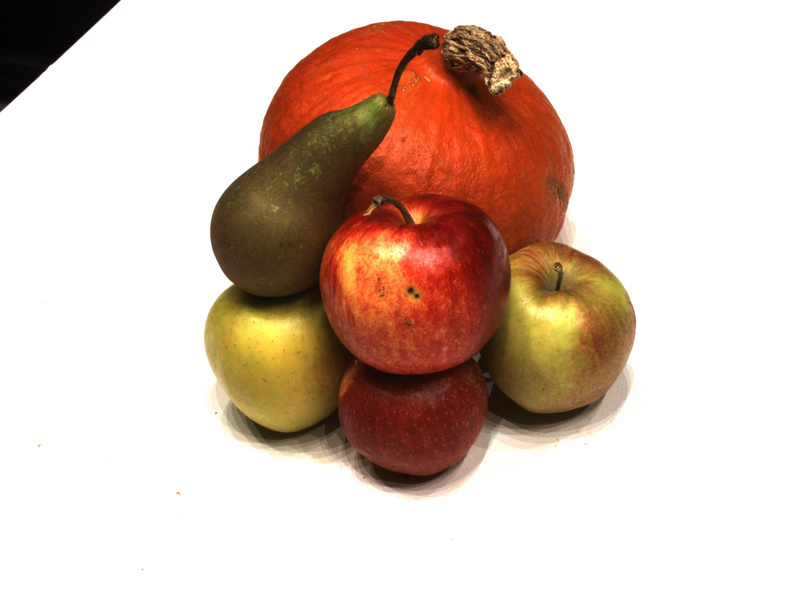
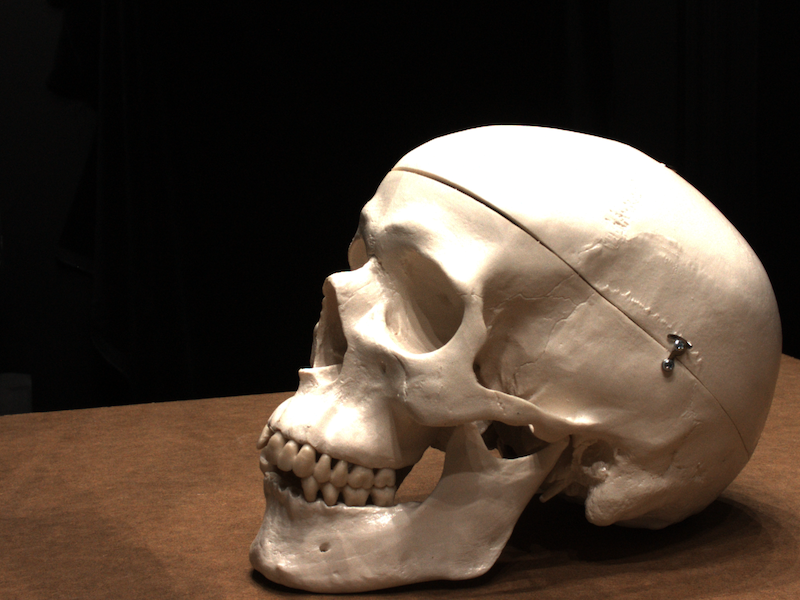
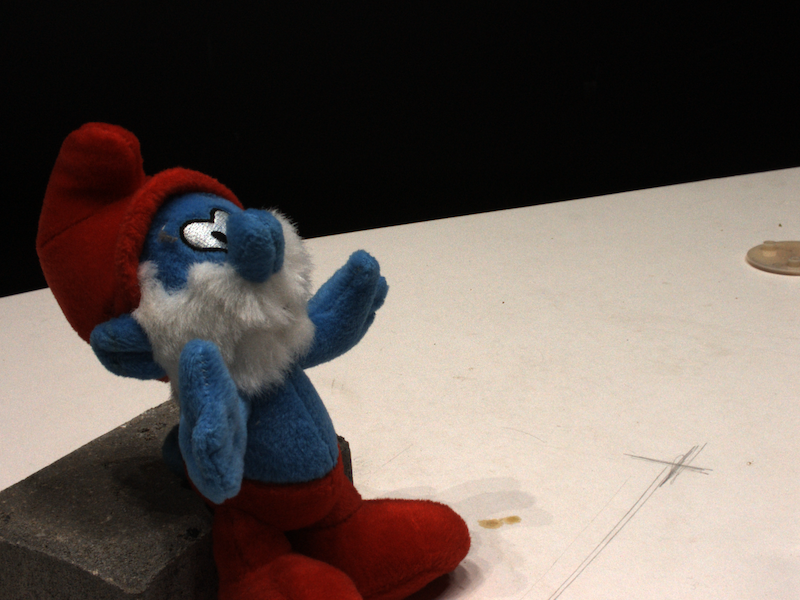
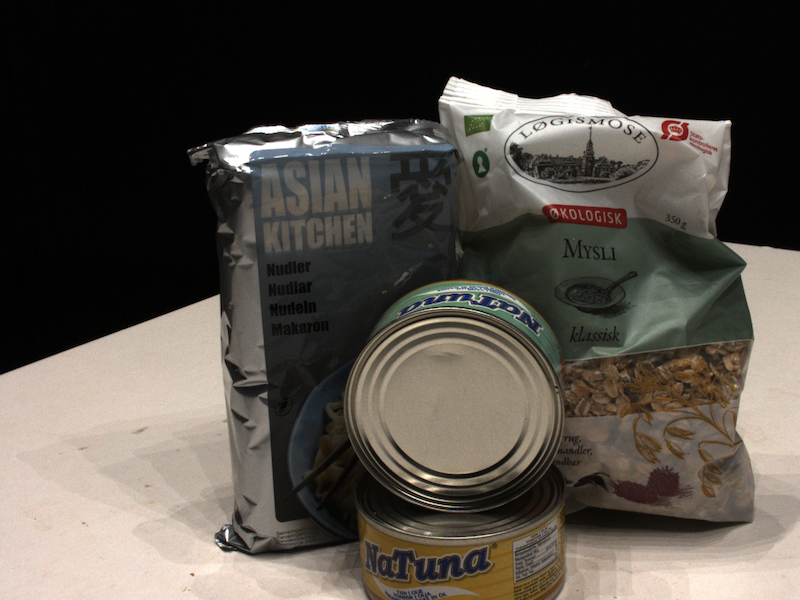
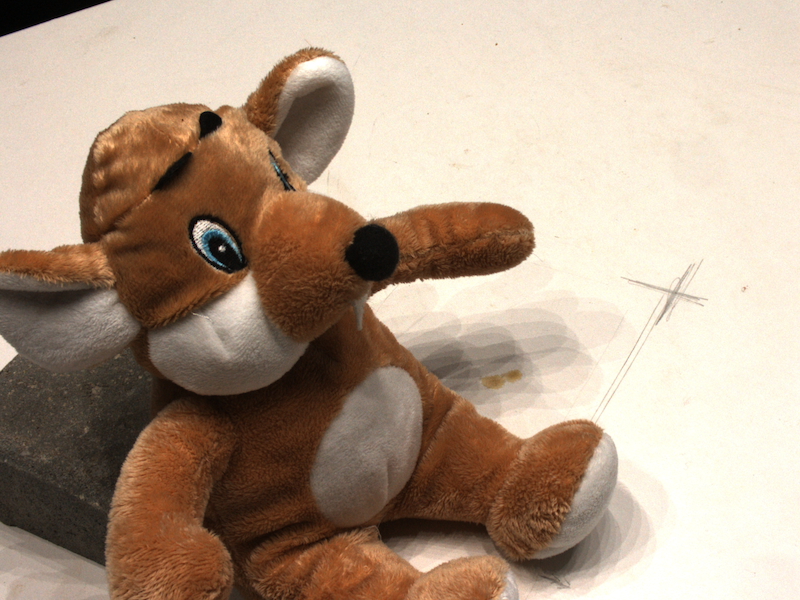
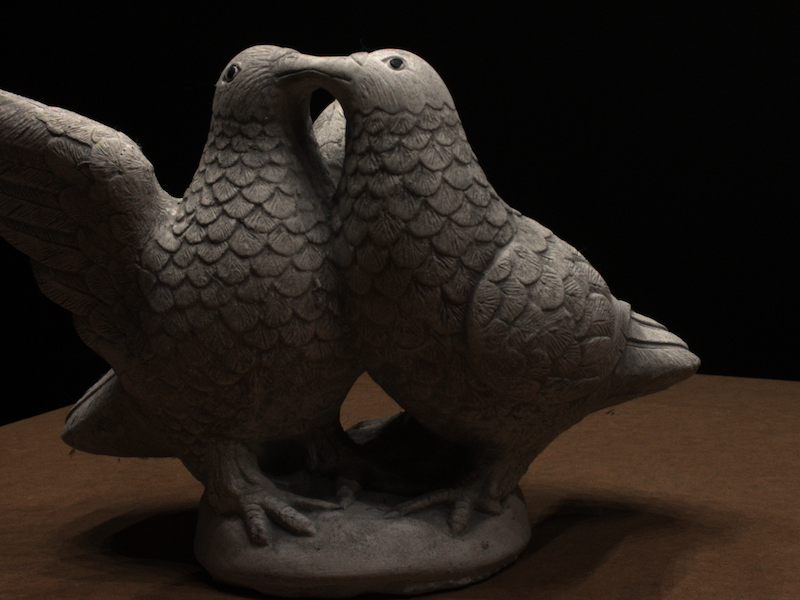
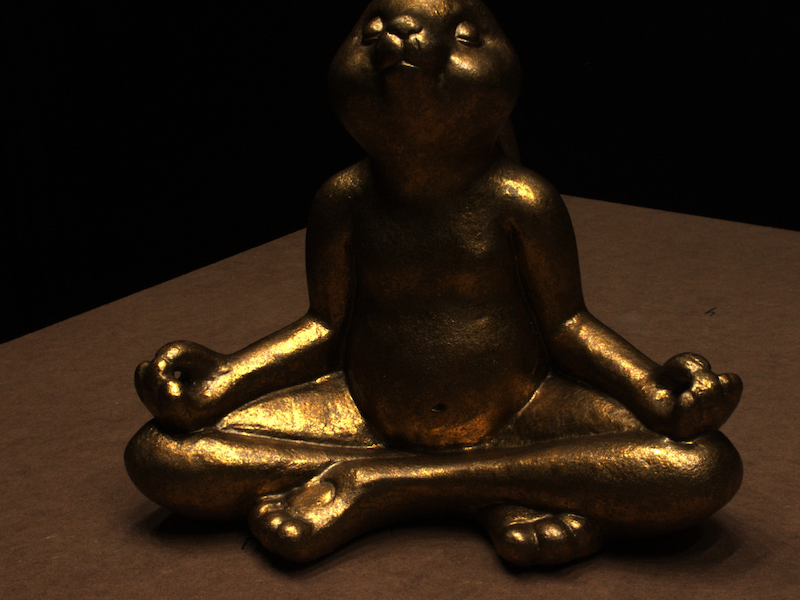
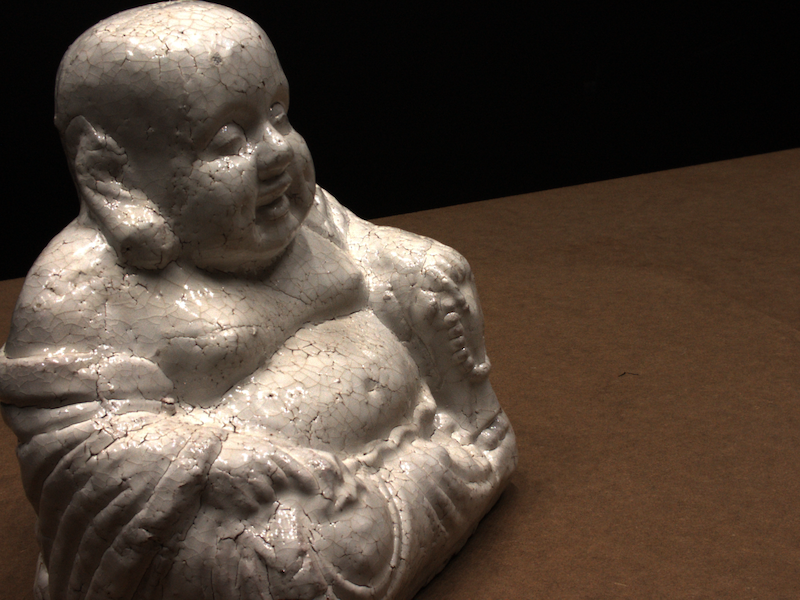
Reference views and reconstructions for the fifteen DTU scans.